The Future of NovaDeck
We're building new features to make NovaDeck even more powerful. Here's a look at what's coming next.
Turn Your Phone Into a Webcam
Use your Android phone as a wireless webcam for OBS, Zoom, Discord, Google Meet, and any other app on your PC.
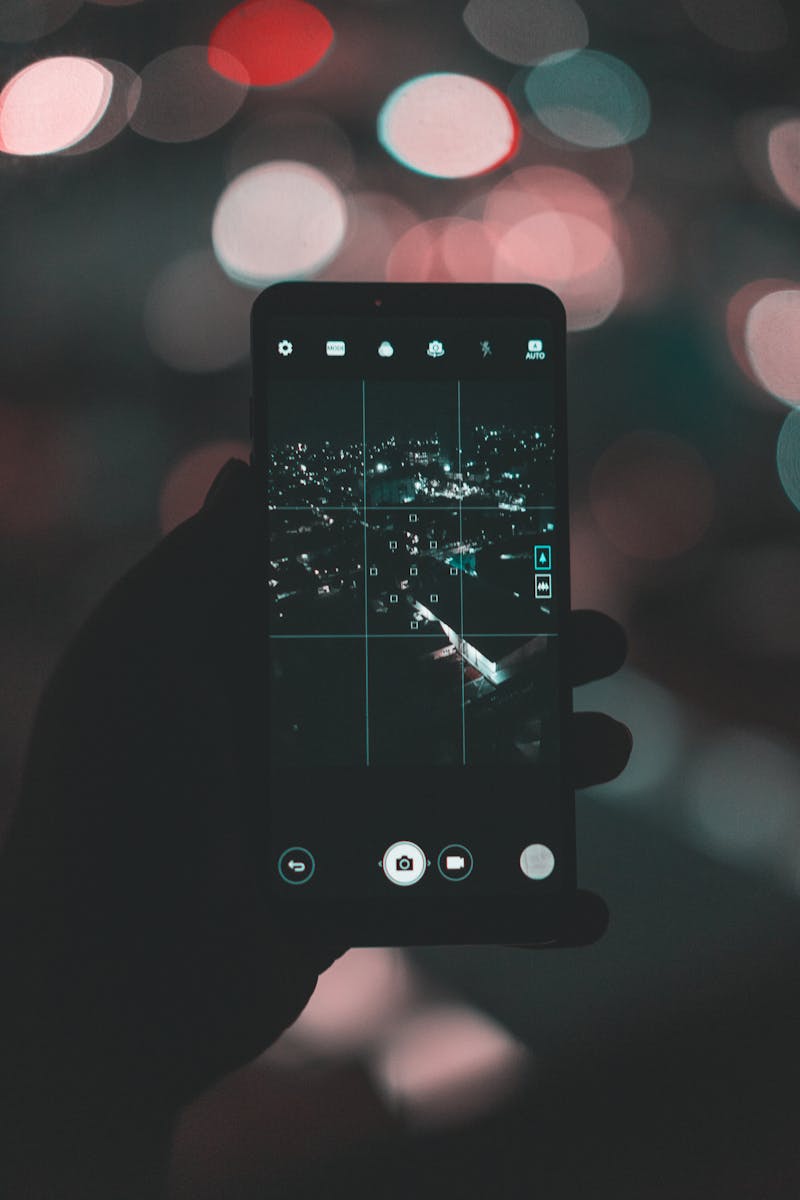
Your phone already has a great camera. Why buy a separate webcam? With this upcoming feature, NovaDeck will let you use your Android phone as a full wireless webcam for your PC. Stream up to any resolution your phone supports — including 4K at 60fps. Feed it directly into OBS as a video source, use it for video calls in Zoom or Google Meet, or plug it into any software that accepts a camera input. Everything is controlled from the NovaDeck companion app on your desktop — resolution, zoom, brightness, exposure, and more. Start and stop the camera feed with a single tap on your phone or a click on your PC.
Up to 4K 60fps
Stream up to 4K at 60fps — whatever your phone camera supports
Full Camera Control
Adjust resolution, zoom, brightness, exposure, and white balance
Wireless or USB
Connect over Wi-Fi for freedom or USB for zero latency
OBS Integration
Shows up as a video source in OBS Studio automatically
Desktop Controls
Manage all camera settings from the companion app on your PC
One-Tap Toggle
Start or stop the camera feed instantly from your phone or PC
How It Will Work
-
Open NovaDeck on Your Phone
Tap the new Camera mode to activate your phone's camera as a video source.
-
Connect to Your PC
The companion app detects the camera feed over Wi-Fi or USB, just like it does for buttons today.
-
Adjust Settings from Your Desktop
Use the companion app to set resolution, zoom level, brightness, exposure, and white balance in real time.
-
Add to OBS or Any App
Your phone appears as a virtual camera device on your PC. Add it as a video source in OBS, Zoom, Discord, Google Meet, or any other app.
-
Go Live
Start streaming or join your call. Toggle the camera on and off with a single tap on your phone or a click on your PC.
🎨 Streamers
Add a facecam to your stream without buying a webcam. Use your phone's camera and control it from your streaming setup.
💼 Remote Workers
Better video quality for Zoom and Google Meet calls. Most phone cameras are better than laptop webcams.
🎤 Content Creators
Use your phone as a secondary camera angle for tutorials, unboxings, or product reviews.
🏫 Students
Join online classes with a better camera. Position your phone anywhere without being stuck at your laptop.